

Login link not arriving
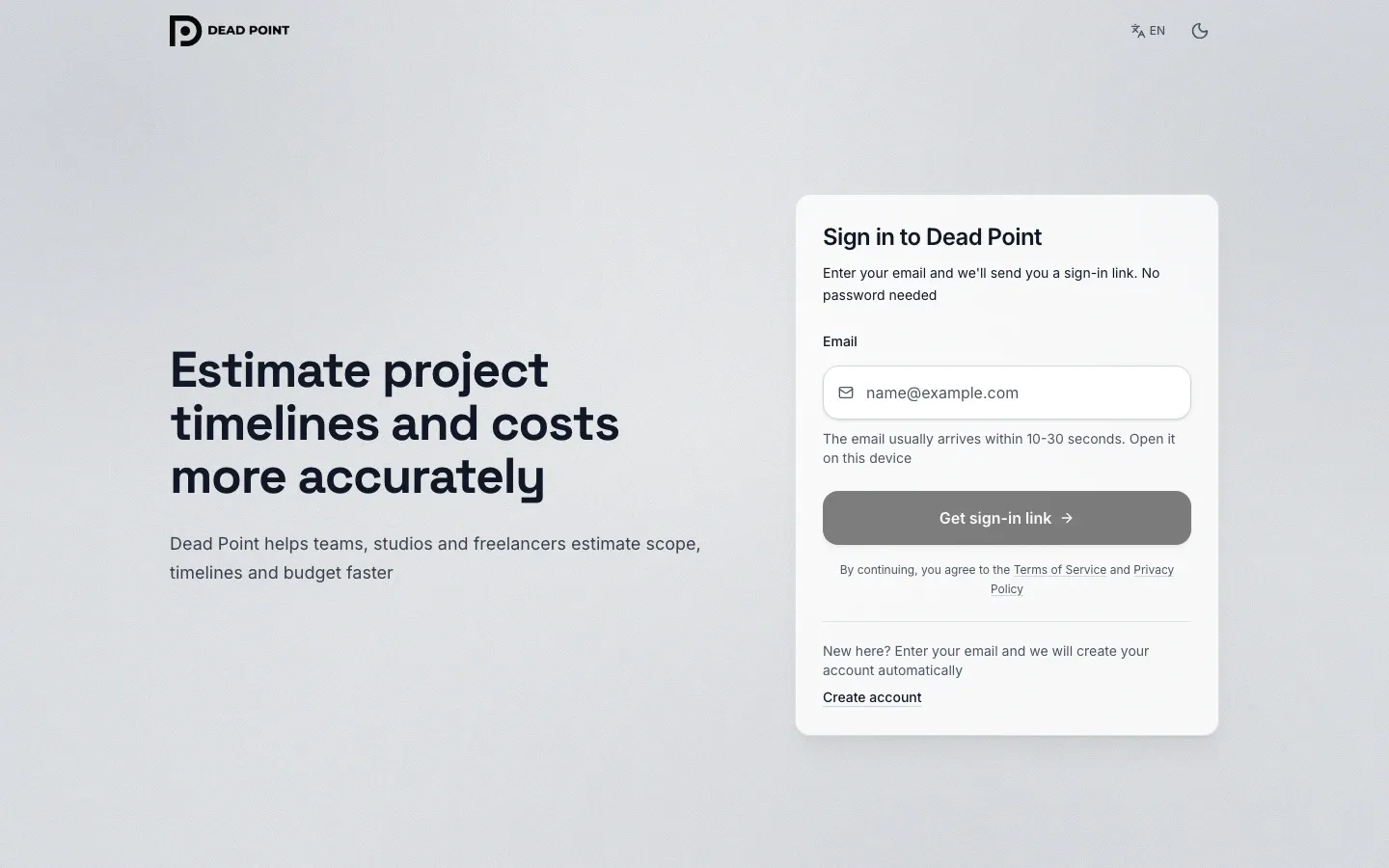
Dead Point has no password: you enter your email and get a message with a sign-in link. If the email did not arrive or the link does not work, follow the steps below.
How sign-in works
Section titled “How sign-in works”The email with the link usually arrives in 10-30 seconds. For security, only the most recently requested link works, and it is single-use: a new request cancels all earlier ones. Open the link in the same browser where you requested sign-in. Sign-in and the app itself run on app.deadpoint.app, and that is where the link in the email leads.
Quick check
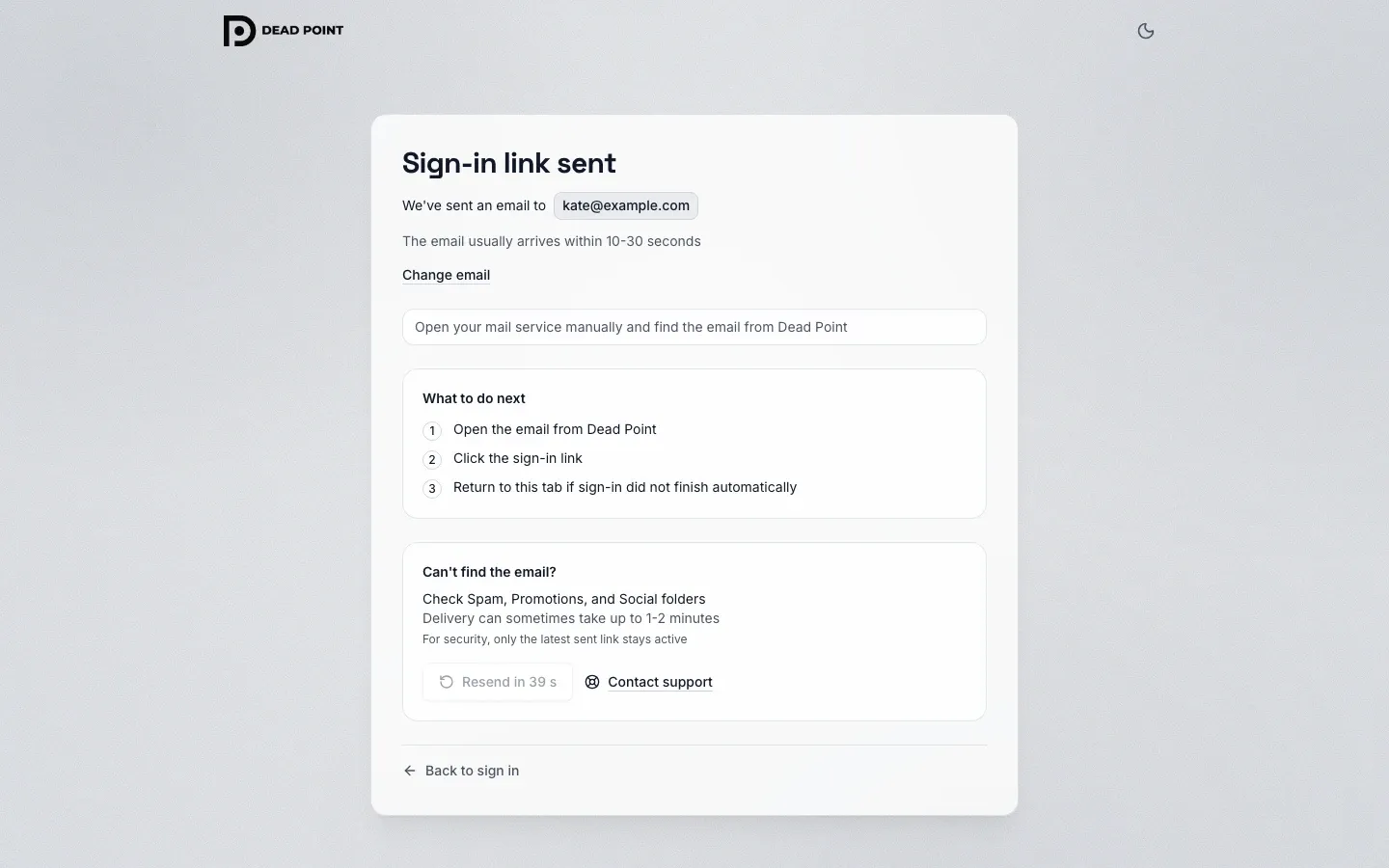
Section titled “Quick check”- Wait 1-2 minutes: sometimes the email is delayed
- Check the Spam, Promotions and Social folders
- Make sure you entered the same email you signed up with
- Request the link again with Resend sign-in link
Common causes
Section titled “Common causes”The link says "Link expired or invalid"
Section titled “The link says "Link expired or invalid"”This is the most common error. It has three causes and one fix: request a fresh link.
- the link is not the latest: you requested sign-in several times, and only the newest one works
- the link has already been used: it is single-use and cannot be opened again
- the link has expired: it is valid for a limited time
Go back to the sign-in screen, click Resend sign-in link and open the email that arrives last.
The email does not arrive at all
Section titled “The email does not arrive at all”- Check Spam and Promotions: the email may have landed there
- Add the Dead Point sender to your contacts
- Wait 1-2 minutes and request the link again
- Check that the email address has no typos
The link opens, but sign-in fails
Section titled “The link opens, but sign-in fails”Open the link in the same browser and on the same device where you requested sign-in. If the email opened on your phone but you started sign-in on your computer, forward the link to yourself or request it again from the right device. The most recently requested link is always the one that works.
If nothing helped
Section titled “If nothing helped”You can sign in to Dead Point only by the link from the email, there are no other ways yet. If the email still does not arrive, check that your mailbox accepts external email and contact support: we will help you sign in manually.