

Currency and project copy through an agent
An agent with MCP access converts the estimates of a project into another currency and copies a whole project. Both actions show a preview first and write only after you confirm. How to issue a token and connect an agent is described in MCP: connect an agent. Every call counts toward the MCP limit: 100 calls per month per workspace.
| Task | Tool | Token |
|---|---|---|
| Convert the estimates of a project into another currency | change_project_currency | Read and draft estimates |
| Copy a project | copy_project | Read and draft estimates |
The agent finds the project by project_id, the identifier from the project list.
Convert to another currency
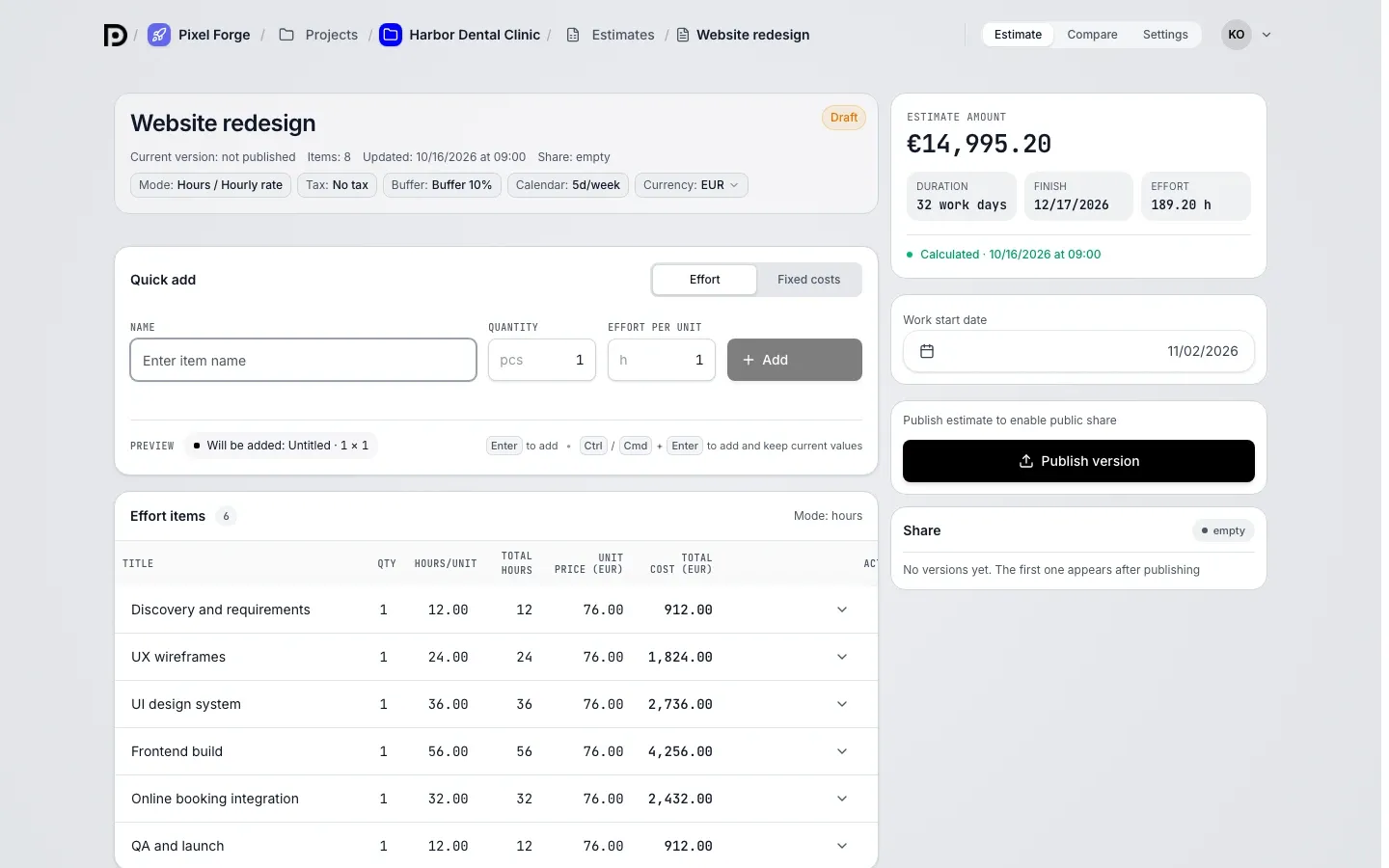
Section titled “Convert to another currency”Ask, for example: "Convert the estimates of the Studio website project to USD, 1 USD = 80 RUB". The agent calls change_project_currency with project_id and target_currency (a three-letter code such as USD). It recalculates the hourly rate, the team cost, the fixed costs and the totals of both scenarios.
Only drafts change currency. The agent skips every other estimate of the project, and it lands in skipped with a reason:
| Reason | Meaning |
|---|---|
published | The estimate is published |
archived | The estimate is archived |
already_in_target | The estimate is already in the target currency |
currency_not_in_rate_pair | The currency of the estimate is not in the rate pair |
Published versions and client links stay as they are. More about currencies in an estimate: Currencies and rates.
Set the rate
Section titled “Set the rate”The agent passes the rate in the rate field: { base: "USD", quote: "RUB", value: 80 } means 1 USD = 80 RUB. The order of the pair does not matter, but the pair must contain the current currency of the estimates and target_currency. value is a number greater than zero.
You can leave the rate out. Then the agent uses the reference rate of the workspace: the answer marks it reference and shows the source and the date of the rate. A rate you named comes back marked custom.
If the pair does not fit, the agent gets an invalid_params answer. Its hint explains how to write the rate and lists the currencies of the draft estimates in the project.
Preview and confirmation
Section titled “Preview and confirmation”The first call saves nothing. The answer holds:
appliedequal tofalse;- for each estimate, the rate (pair, multiplier, source) and the amounts "before" (
before) and "after" (after): the hourly rate or the team cost, the fixed costs, the effort cost and the total of each scenario; skipped, the skipped estimates with a reason.
The agent shows you the preview. If the amounts are right, confirm: the agent repeats the call with confirm set to true, and all drafts are converted in one transaction. You cannot undo it afterwards, you can only convert again at a new rate.
- Pass the idempotency key (
idempotency_key) only together withconfirmset totrue. A repeat with the same key returns the first result and does not recalculate the amounts a second time. - If the MCP limit is used up, the agent gets a
quota_exceededanswer with the reset date.
Copy a project
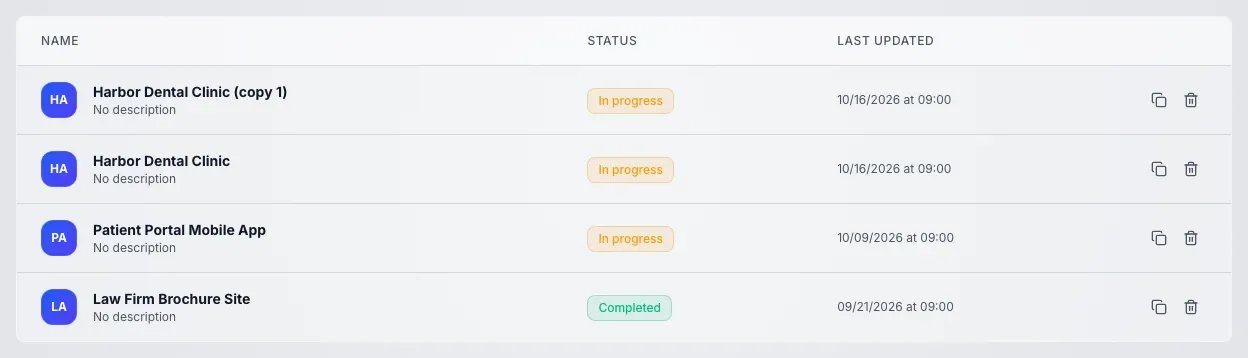
Section titled “Copy a project”Ask, for example: "Copy the Studio website project". The agent calls copy_project with project_id. The name of the copy is chosen for you, for example "Studio website (copy 1)".
The first call shows a plan and creates nothing. The answer holds:
appliedequal tofalse;project_name, the name of the future copy;estimates_to_copy, the estimates that go into the copy (identifier and name);skipped, the estimates that stay out of the copy, with the reasonarchived;not_copied, how many participants (participants), issues (issues) and active client links (active_shares) do not move to the copy.
After you confirm, the agent repeats the call with confirm set to true. The copy is created in one transaction. The answer has applied equal to true, the project_id and project_name of the new copy and estimates_copied, the number of copied estimates. idempotency_key works as in the currency change: a repeat with it does not create a second copy.
What is copied and what is not
Section titled “What is copied and what is not”The copy gets:
- the project settings: icon, tags, points scale, cycles and time zone;
- draft and published estimates: each one appears in the copy as a new draft marked "created through MCP".
The copy does not get:
- participants: you are the only participant of the copy;
- issues;
- the description and the dates of the project;
- archived estimates;
- estimate versions: the copy has no history;
- client links and client data.
The "Copy project" button in the app works differently, for example it carries over the project description. The article Project copy describes it.
Who can do it
Section titled “Who can do it”Both actions need a token with write access. Whoever may edit the estimates of the project can convert the currency. A project manager who is also the workspace owner can copy the project. Otherwise the agent gets a refusal and nothing changes.
What the agent does not do
Section titled “What the agent does not do”- It does not change the currency of published and archived estimates and does not touch published versions.
- It does not copy participants, issues, the description, dates, versions, links and client data.
- It does not recalculate amounts or create a copy without
confirmset totrue.